Wix Studio Website Design
WixStudiositeswithrealresponsivecontrolanddynamiccontent.
Wix Studio gives designers breakpoint-level control, CMS collections and dynamic pages, plus Velo for custom code. It's ideal when you want the convenience of Wix with a more refined, flexible build.
What it helps with
- Design-heavy sites that need precise responsive layouts
- CMS collections for listings, team, projects or blog-style content
- Dynamic item pages generated from your content
- Custom behaviour with Wix Velo when built-in options stop short
Typical deliverables
- Figma designs for desktop, tablet and mobile
- Wix Studio build with responsive breakpoints
- CMS collections and dynamic pages
- Velo customisations where scoped
Suitable for
- Agencies and creative studios
- Property and listing sites
- Multi-page brand sites
- Membership-ready business sites
Process
How the project runs.
- 1
Discovery
We talk through goals, content, and how your team will update the site.
- 2
Figma design
Desktop and mobile layouts you review and comment on before anything is built.
- 3
Build
We build with Studio's responsive tools, set up CMS collections and add Velo code where agreed.
- 4
Testing & launch
Cross-device checks, content review, and a guided handover.
Related design work
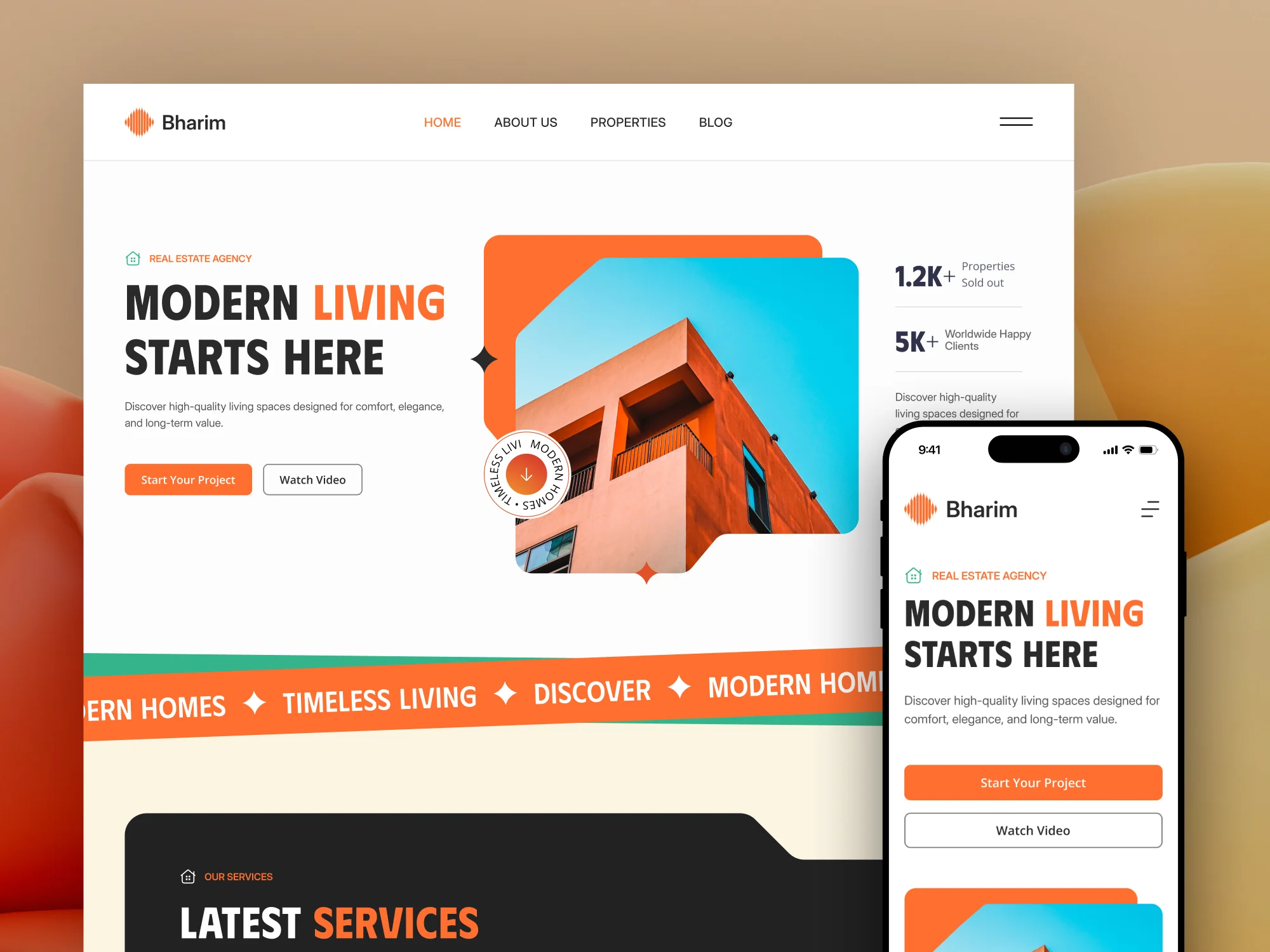
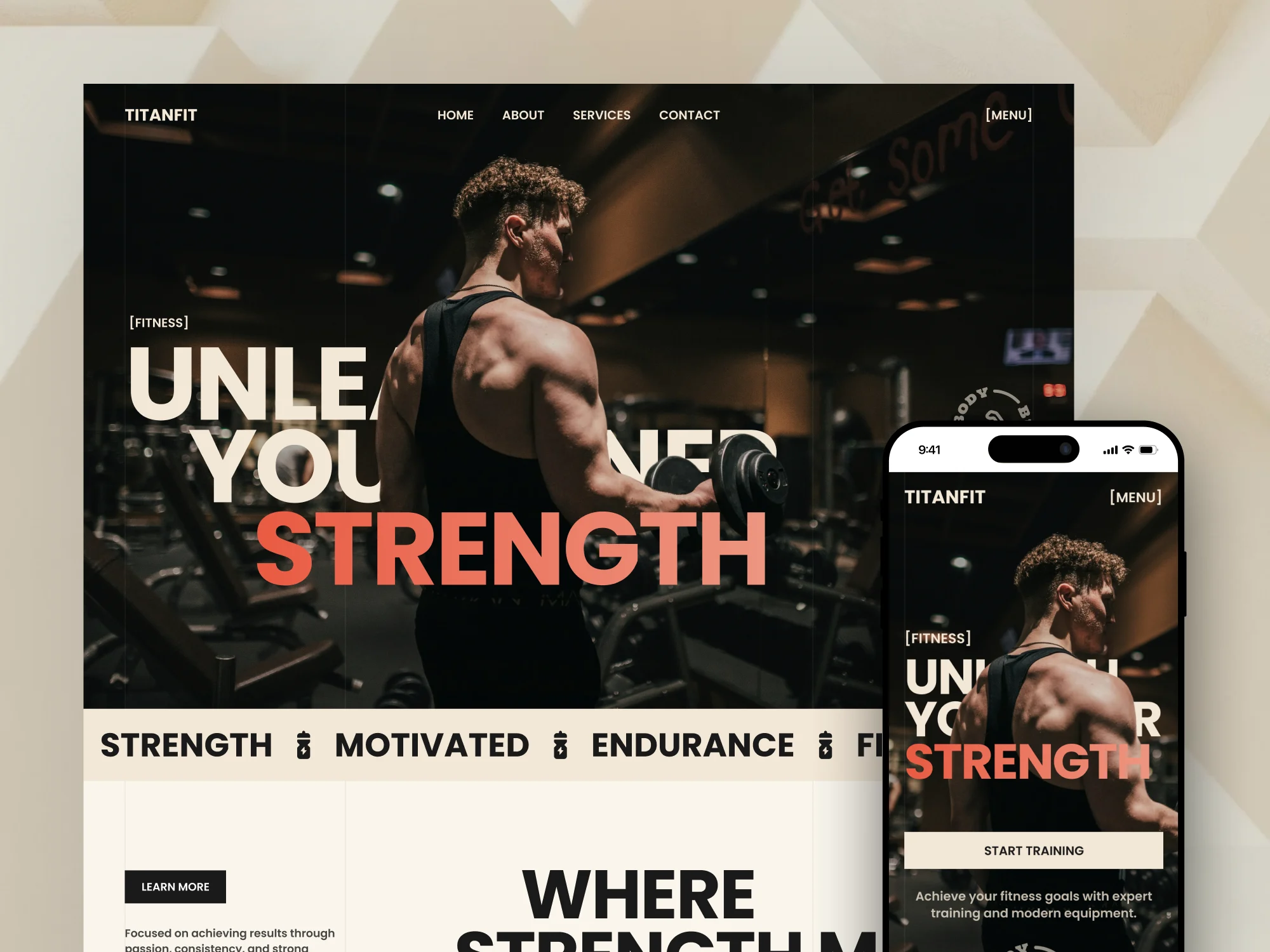
Designs with a similar audience.
Shown for visual direction. These examples don’t indicate which platform each design was built on.
FAQ
Wix Studio Website Design: common questions
What's the difference between Wix and Wix Studio?
Studio adds finer responsive control, better CMS tooling and a more professional build workflow. Both are edited by you afterwards.
Do you use Velo?
Where it's genuinely useful — custom filters, forms, or integrations. We keep it minimal so the site stays maintainable.
Related services