Figma UI/UX Design
InterfacesdesignedinFigma,readytobuild.
Every Eravelo build starts in Figma, and we also offer design as a standalone service — for websites, web apps and mobile apps that your team or another developer will build.
What it helps with
- Website interface design
- Mobile app interface design
- Wireframes and user flows
- Interactive prototypes for testing
- Responsive layouts
- Design systems and developer handoff
Typical deliverables
- User flows and wireframes
- High-fidelity screens
- Clickable prototype
- Component library and handoff notes
Suitable for
- New products and apps
- Website redesigns
- Design systems for growing teams
- Investor or stakeholder prototypes
Process
How the project runs.
- 1
Discovery
Goals, users and the key journeys to design.
- 2
Wireframes
Structure and flow agreed before visual detail.
- 3
Visual design
High-fidelity screens and a reusable component set.
- 4
Prototype & handoff
Interactive prototype plus organised files for developers.
Related design work
Designs with a similar audience.
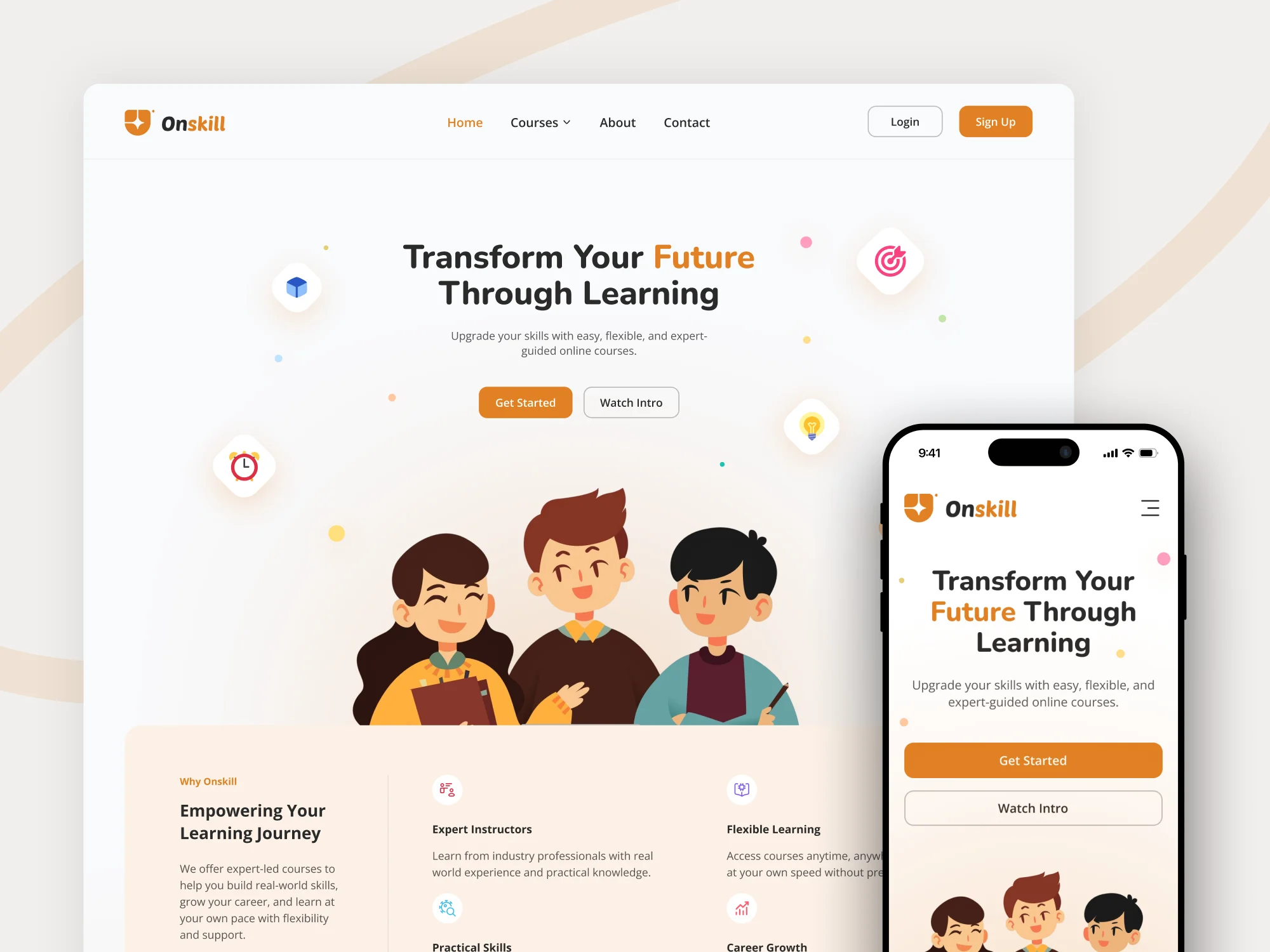
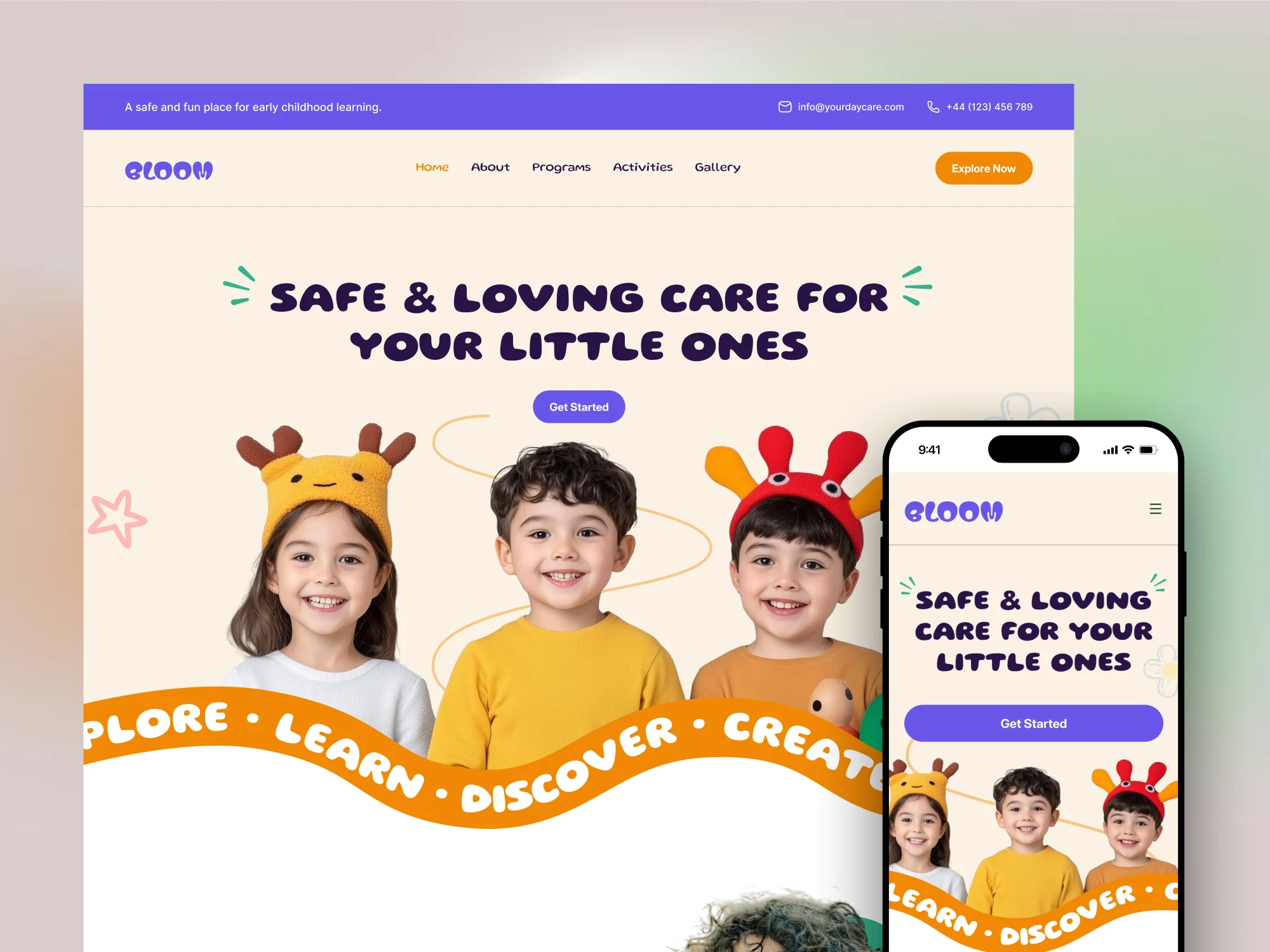
Shown for visual direction. These examples don’t indicate which platform each design was built on.
FAQ
Figma UI/UX Design: common questions
Can you hand designs to our own developers?
Yes. Files are organised with components, styles and notes so developers can build accurately.
Related services